A skin for Midnight Commander =============================
First draft: 2025-10-09
Published:   2025-12-10
Last update: 2026-01-28
Table of contents:
I would like to share my minimalist gray on black color theme for MC.
The file is licensed under GPL-3.0-or-later, and can be found either
- directly here: gray‑on‑black.ini
- or alternatively: at the GitHub repository
The skin is based on `default.ini` as of version 4.8.33 of GNU Midnight Commander, see also the official GitHub repository.
Typical method of installing new skins is by placing them in either `~/.local/share/mc/skins/` for user-only, or `/etc/mc/skins/` globally. For reference, it might worth mentioning that all the default skins distributed with the program are stored locally at `/usr/share/mc/skins` directory (at least on my Debian system).
Screenshots
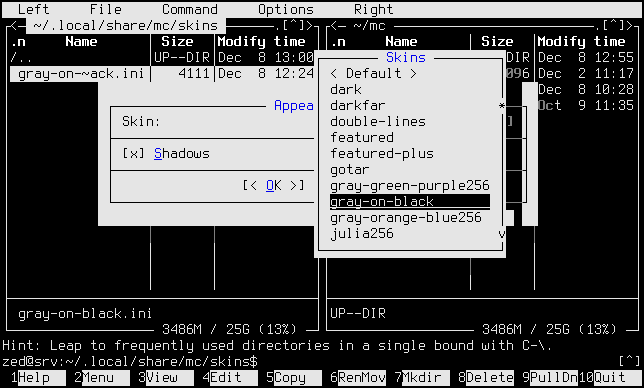
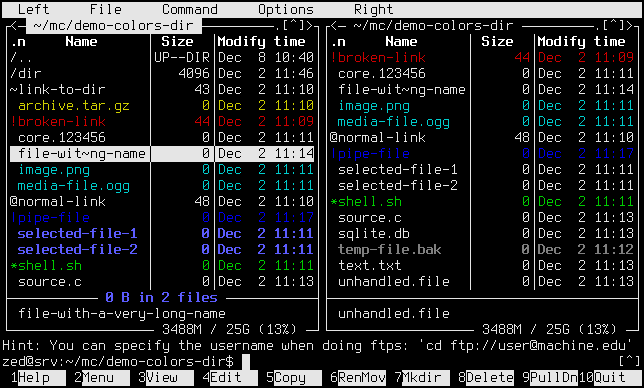
Please note that I purposefully opted not to use several of the `filehighlight` options available, namely: core, doc, source, and database. Also links use the default color but these have character prefixes anyway.
For further reading on how to customize file highlighting groups, see Part 1 of my related blog article.
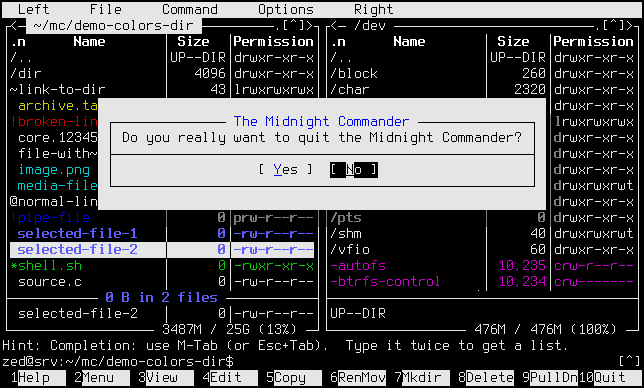
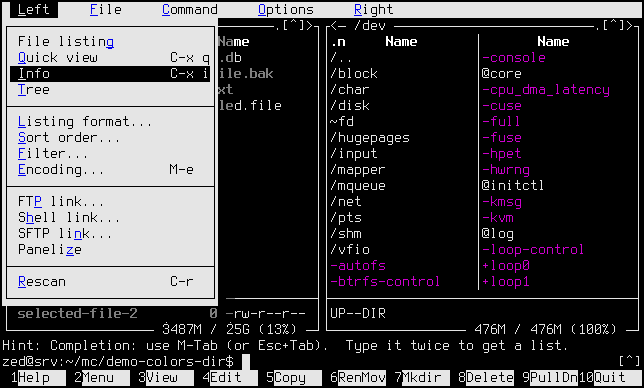
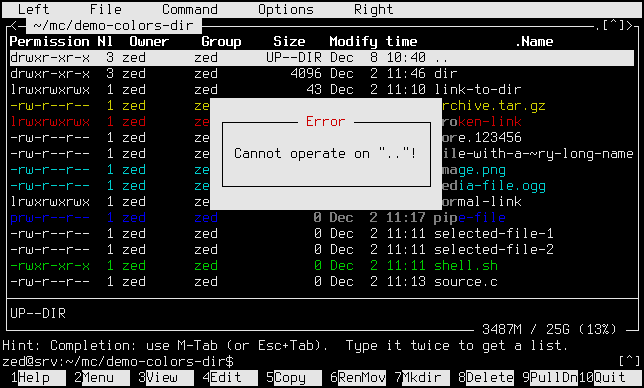
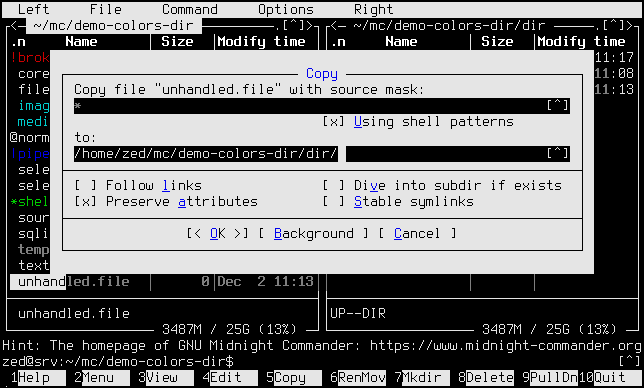
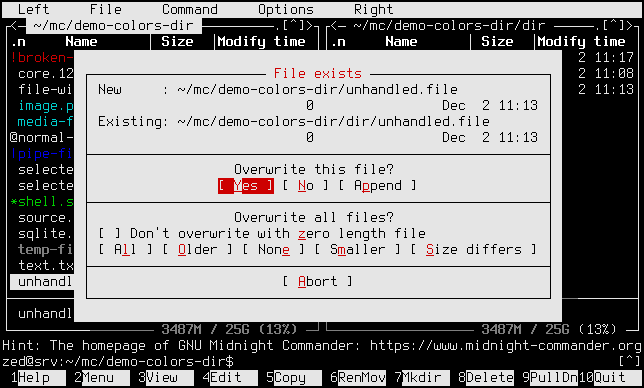
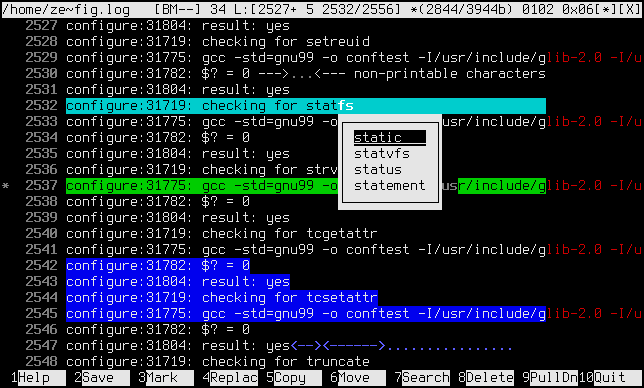
In case you are wondering how to enable displaying the right margin: there is an option called `editor_show_right_margin` which has to be turned `true` in the config file `~/.config/mc/ini` (typically).
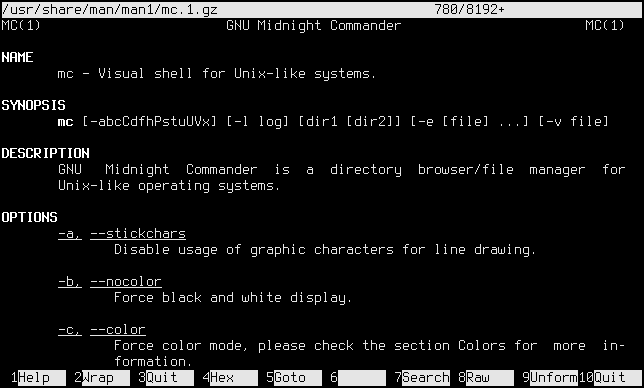
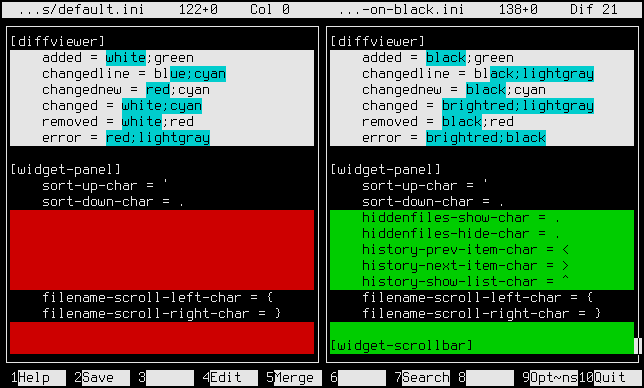
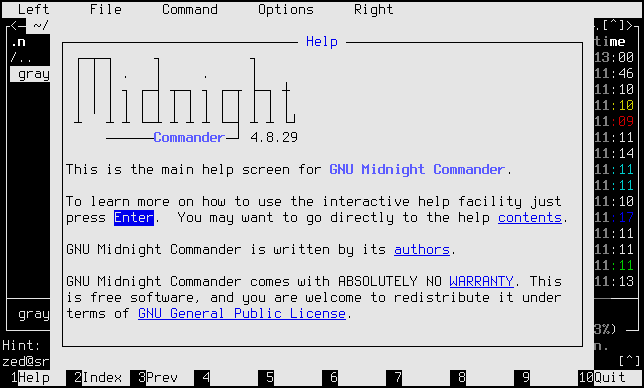
The screenshots were made similar to those at the official Midnight Commander Skin Editor (see also on GitHub), so credit for the idea to its creators.
I have used XTerm with the font Terminus.
Motivation
Just realized that I do not know what took me so long. I cannot recall exactly how long I am using Midnight Commander: 12 years can be a generous lower bound because we started to use Linux at work daily around 2014, and I had already well known the program then; but it could easily be as many as 18 years depending on when did I discover it's existence. I have been using Norton Commander, then Windows Commander and Total Commander as long as I remember, so naturally I am always looking for a similar file browsing experience. When I started with Linux, although at first I experimented more with graphical desktop environments, I have ended up pretty soon trying Linux From Scratch, writing my thesis in Vim and doing similar things - all these kind of made me appreciate the text console.
Anyway the point is I have never touched the default color scheme until now. It might also be kind of an age-related issue, I never had a problem with having a screen tan by staring at bright displays in the dark before, or with receiving sudden light flashes when switching back-and-forth to a black terminal window. I have just accepted that naturally the background is black in the terminal, white in the IDEs, and - well - midnight-blue in the commander. Something must have changed because I feel more sensitive to these kind of things, maybe I will write some more on this later.
My main goal with the new MC skin was to have something that is the least obtrusive visually while being compatible with my default terminal settings. Please mind that what I mean under "default" potentially includes text-mode as well, so I have opted to stick with 16-color because that should be guaranteed to work almost everywhere. I have tried the `‑b` command line option (i.e. `‑‑nocolor`, "Force black and white display"), which is not bad in general and can be viewed as the basis for the new skin, as it produces the same light-gray foreground on black background, but I wanted to use just a little bit of color here-and-there. I have chosen blue of course for these accents where I could, out of respect for the default theme, and naturally red for the errors.
As I have mentioned above, I did not specify a different file-type highlight color for several categories, and there is a deeper reason for this than just saying I do not need them. I wanted to use blue for the file selection highlight, but regular `blue` is too dark on black background, so I had to choose `lightblue` which is rendered bold. Unfortunately, light-blue does not stand out that well between other colors compared to yellow for example, so I thought I shall preserve boldness as well for the selection. Hence I am not using any other "light" colors, with the exception of `gray` (for backup/temporary files) which is in fact "lightblack" or "boldblack", but that is easy to distinguish. Apart from the light colors, I have used up all the others, with some of the less useful file types falling short (but the highlight works by filename only anyway, as far as I know).
I am encouraging anyone to tweak the file-type colors to their need, or just use the whole scheme as a basis for their own theme. There are a couple of properties in the configuration which is a bit hard to find where will show up, but otherwise it is a pretty straight-forward process. Just make sure to leave ample amount of time for yourselves test-driving the theme, it took me around two months from the start in October to this point when I am confident there are no major issues, at least in my environment.